Tracks
The track is the unit of distribution: it is the track you open to a group, not the capsule. The choice of model happens elsewhere, in Understanding distribution; this section assumes that choice is made and shows how to run a track.
Tracks
The track is the unit of distribution: it is the track you open to a group, not the capsule. The choice of model happens elsewhere, in Understanding distribution; this section assumes that choice is made and shows how to run a track.
It all happens in Content management → Tracks.
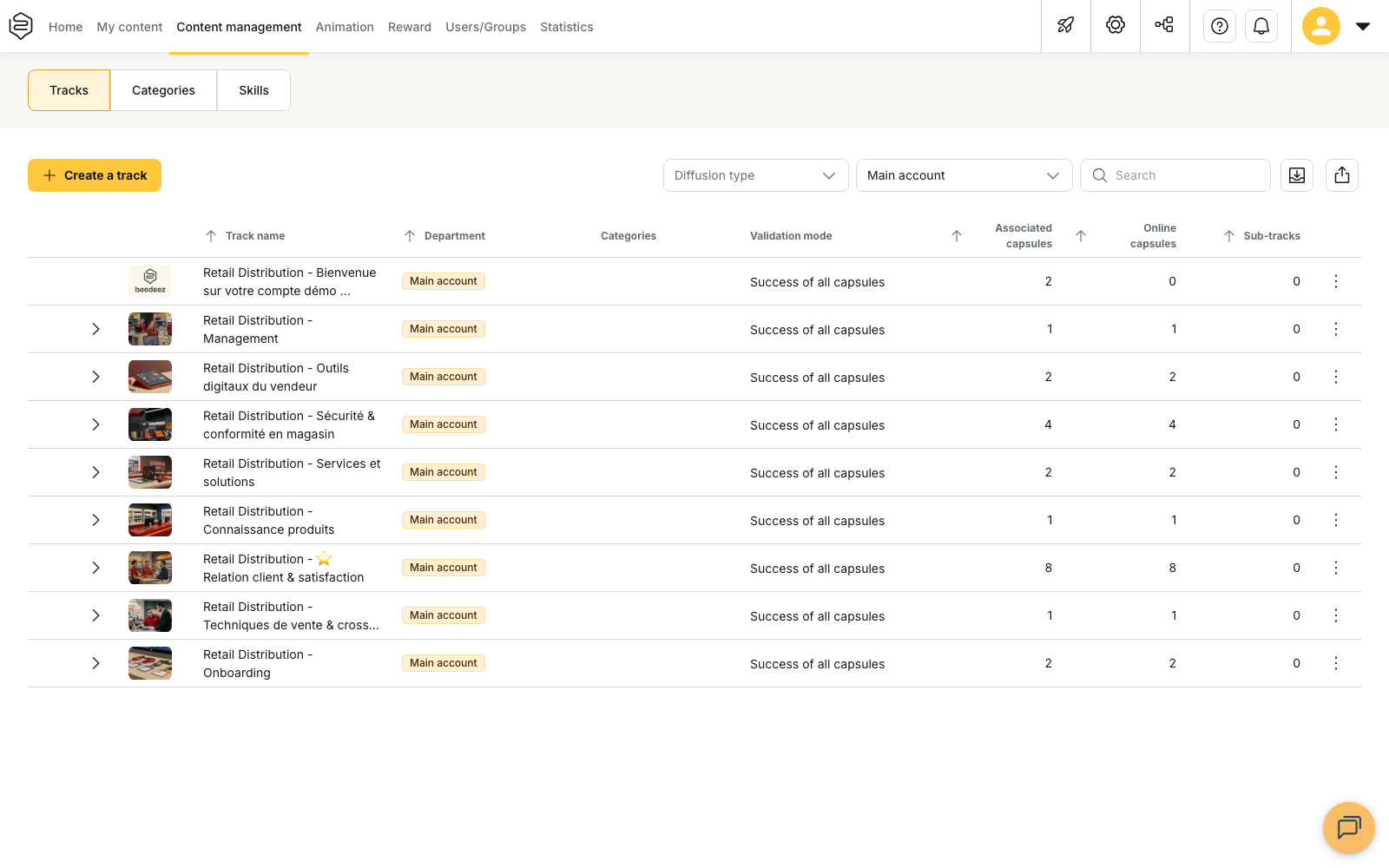
The life of a track
A track is created, receives content, opens to people, then has to be kept up over time: you add a language, reorganise it, take it out of circulation once it no longer applies. That last step is not a deletion: a track is deactivated and reactivated.
Invitation, campaign and recommendation
Opening a track to a group in the Standard access block grants permanent access: the learner sees it and takes it whenever they want. The three other devices are not independent features, they are three ways of getting the same track to the learner.
An invitation counts seats and routes allocations through approval; it is decided when the track is created. A campaign sets the order and the pace, notifications included. A recommendation puts the track forward for a period. Those last two sit on top of standard access, never in its place: as long as a campaign or a recommendation exists for a group, that group cannot be removed from the track’s Standard access.
The pages in this section
- Creating a track: the starting point, and the options that commit the rest, starting with the validation mode.
- Organising a track’s content: capsule order, sub-tracks, mandatory capsules and release delays.
- Distributing a track to groups: the central move of this section, and what that opening does not do.
- Invitation-only tracks: when seats are counted and allocations approved. Read it before creating the track.
- Campaign tracks: when content has to arrive in a chosen order and at a chosen pace.
- Recommended tracks: when one track has to come ahead of the others for a given period.
- Viewing and managing the tracks linked to a group: the entry through the group, to check what an audience actually receives.
- Translating a track: adding a language, and knowing what stays untranslated.
- Deactivating and reactivating a track: taking a track out of circulation without losing it, and what to watch when you put it back.
And when everything looks set but the learner sees nothing: Common problems: distribution.