Create a self-assessment quiz
A Diagnostic Quiz lets your learners assess themselves across several themes. Each question is linked to a theme, and each theme can display a different analysis depending on the learner’s result.
A diagnostic quiz sits inside a notion, either before the content or as an exit quiz. To build the capsule itself, see Creating a capsule from scratch.
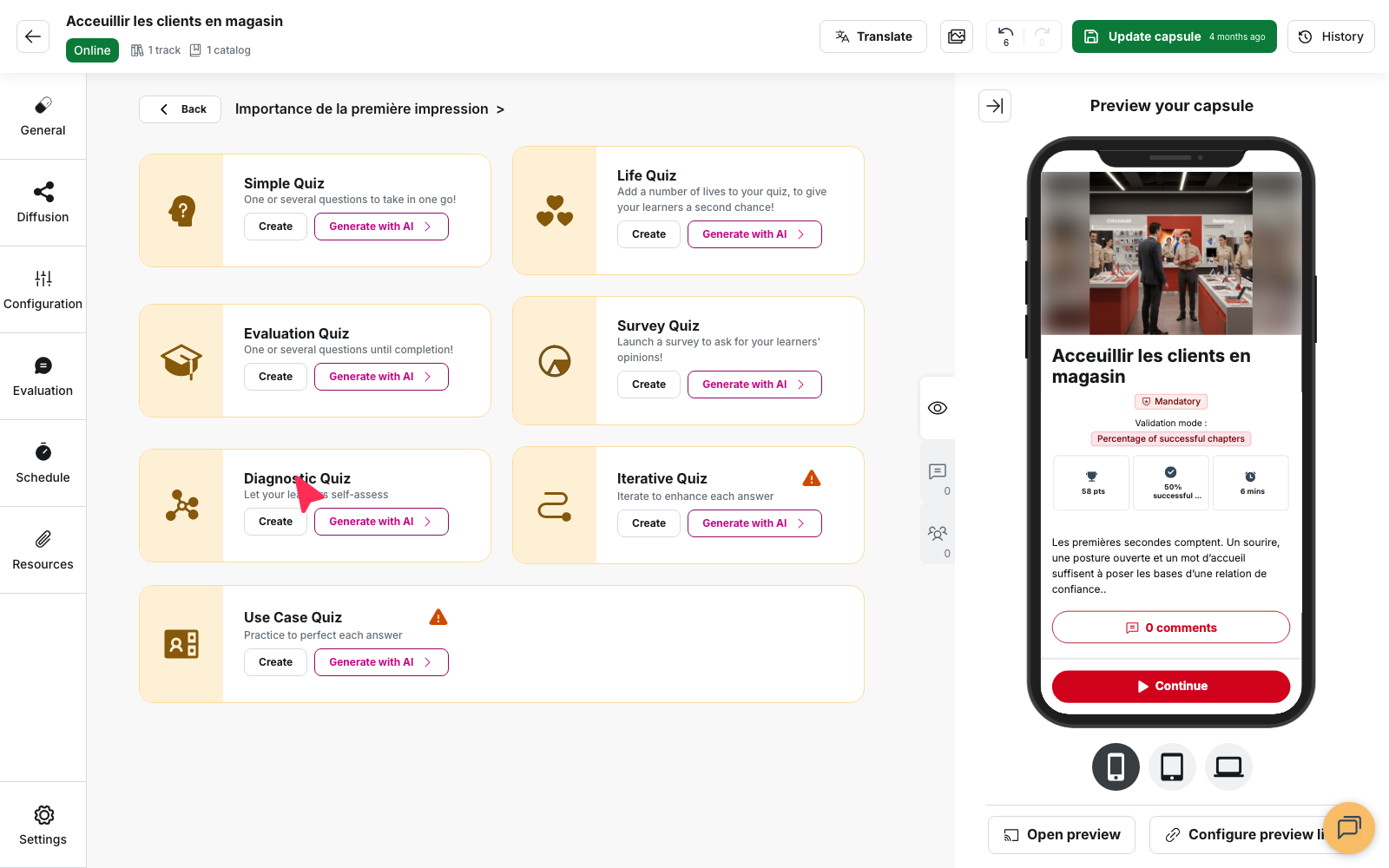
Choose the quiz type
In the capsule editor, on the relevant notion, choose Diagnostic Quiz from the quiz types offered. The editor then opens the Configure parameters of your diagnostic tool screen, which reminds you: “Each question is linked to a theme. Before starting to edit your questions, you must define at least 3 themes below”.
Define the themes
Under Your themes, three themes are created by default. You can have up to nine: beyond that, the add button disappears.
- Click a theme to open the Edit Theme window, or add one to open the Add Theme window.
- Enter the Title. It is required: without it, the Save button stays inactive.
- Fill in the Theme description.
- Click Save.
The Delete button in the same window removes the theme.
Example: for a self-assessment on customer relations, create the themes Welcoming customers, Active listening and Handling complaints.
Write an analysis for each theme
In the theme window, the Analysis section lets you write a comment tailored to the learner’s result, for example to recommend capsules.
- Set the Analysis threshold slider, from 1 to 100%. The threshold is the percentage the learner obtains on this theme.
- Write the text of the Analysis if result is below the defined threshold field.
- Write the text of the Analysis if result is above or equal to the defined threshold field.
- Click Save.
A result exactly equal to the threshold displays the “above or equal” analysis.
Add the questions
Once the themes are defined, click Continue to move on to the list of questions. Five question types are available in a diagnostic quiz:
- Unique choice;
- Multiple choice;
- True or False;
- Satisfaction;
- Evaluation.
Satisfaction and Evaluation ask the learner to answer on a scale. Their answer options are prefilled with No, not at all, No, not really, Yes, mostly and Yes, completely: the answers must describe a progression.
For each question, select its theme in the Theme list.
Best practices
Plan three to five questions per theme. With only one or two questions, a theme’s result depends on a single answer.
Write short, unambiguous questions. A question that can be understood in two ways skews the result of its theme.
Keep point totals consistent across the different themes.
Avoid scenarios where your learners could score 0 points on several themes: this distorts the reading of the radar chart.
Learn more
- Activity formats: the other quiz and question types.
- Testing a capsule before publishing it to everyone: check the learner experience before distribution.