Certificates
A certificate is a document the platform issues to a learner once they have met a verifiable condition. You do not pick the recipients: you set the condition, and the award happens without you. It is proof, not encouragement; for motivation, see Gamification and engagement.
Certificates
A certificate is a document the platform issues to a learner once they have met a verifiable condition. You do not pick the recipients: you set the condition, and the award happens without you. It is proof, not encouragement; for motivation, see Gamification and engagement.
Everything happens in Rewards → Certificate. Certificates belong to the Animation permission family, the one covering rewards; templates are set in the account configuration and need a separate right. See Assigning rights.
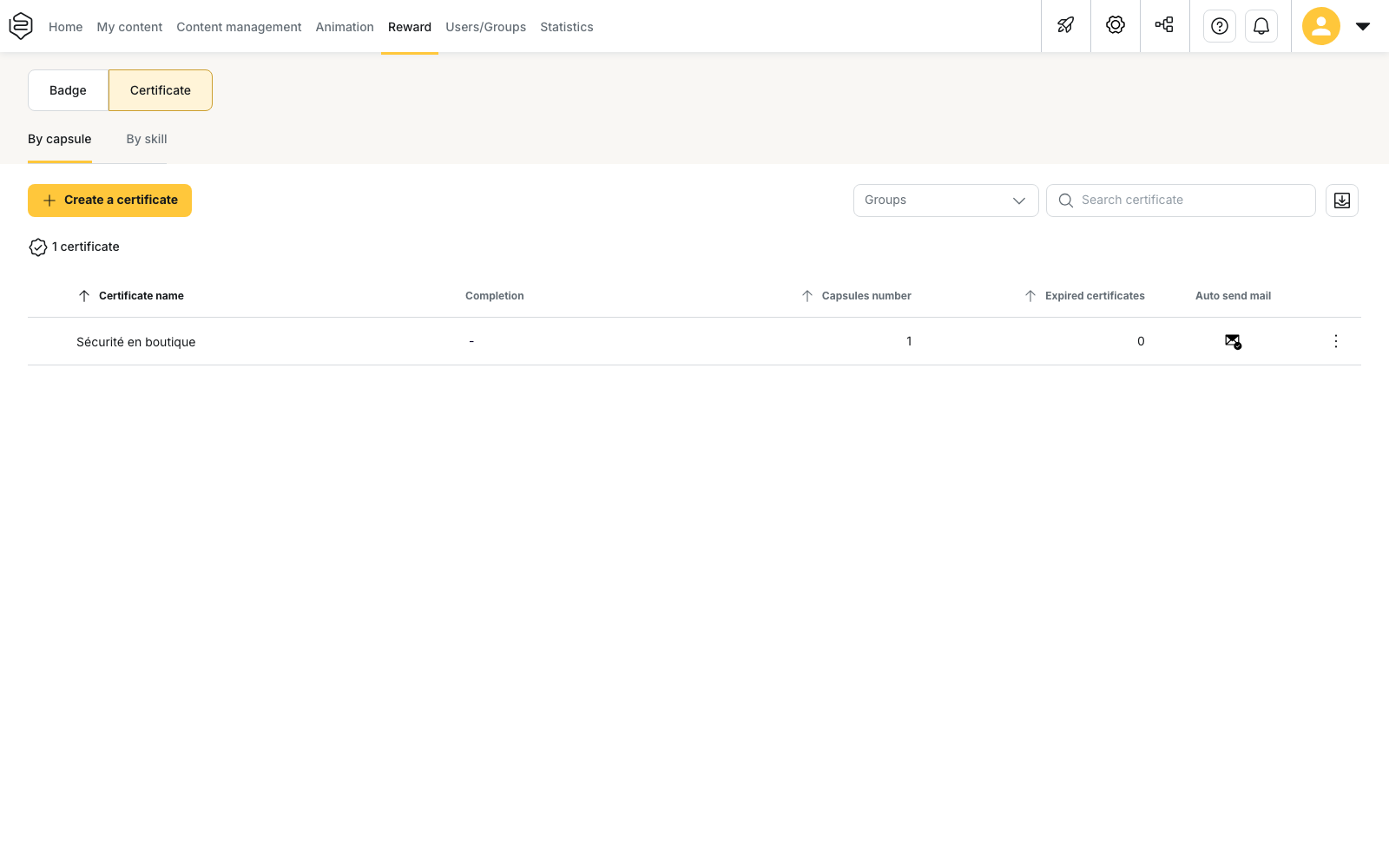
Two things can earn a certificate
Capsules completed above the success percentage you require, or a mastery level reached on skills. The choice is made at creation and cannot be changed afterwards: moving from one logic to the other means a second certificate.
⚠️ Completing is not succeeding. A learner can go through every capsule without reaching the score you ask for, and then earns nothing. That is the first thing to check when a counter stays at zero.
The condition and the document are two objects
Setting the condition does not design the page the learner will print. A certificate with no template does exist, it shows in the learner’s profile and in your statistics, but there is nothing to sign or to file. On a compliance training, that is exactly what is missing.
The six pages in this section
- Creating a capsule-based certificate: the common form, to read when the proof is about specific content to be followed.
- Creating a skill-based certificate: to read when the proof is about what the person can do, including skills acquired off the platform. It assumes a skills framework already in place.
- Validity, expiry and renewal: to read before creating anything that has to be renewed, because not every form of certificate expires.
- Certificate templates: to design the document that is issued, its fields and its background.
- Sending, resending and exporting: the emails sent on award, the reminders, and the exports an audit will ask for.
- Managing a portfolio of certificates: bulk edit, deactivate, recover, delete, once the account holds dozens of them.
And when a certificate does not behave as expected: Common problems: engagement.