Certificates and documents
Two families of records come out of this section, and they answer different questions. A certificate goes to a learner who has passed something. An administrative document is issued for the organisation and records what happened around a course: who was invited, who attended, what was signed.
Certificates and documents
Two families of records come out of this section, and they answer different questions. A certificate goes to a learner who has passed something. An administrative document is issued for the organisation and records what happened around a course: who was invited, who attended, what was signed.
Neither one is an encouragement. For that, see Gamification and engagement.
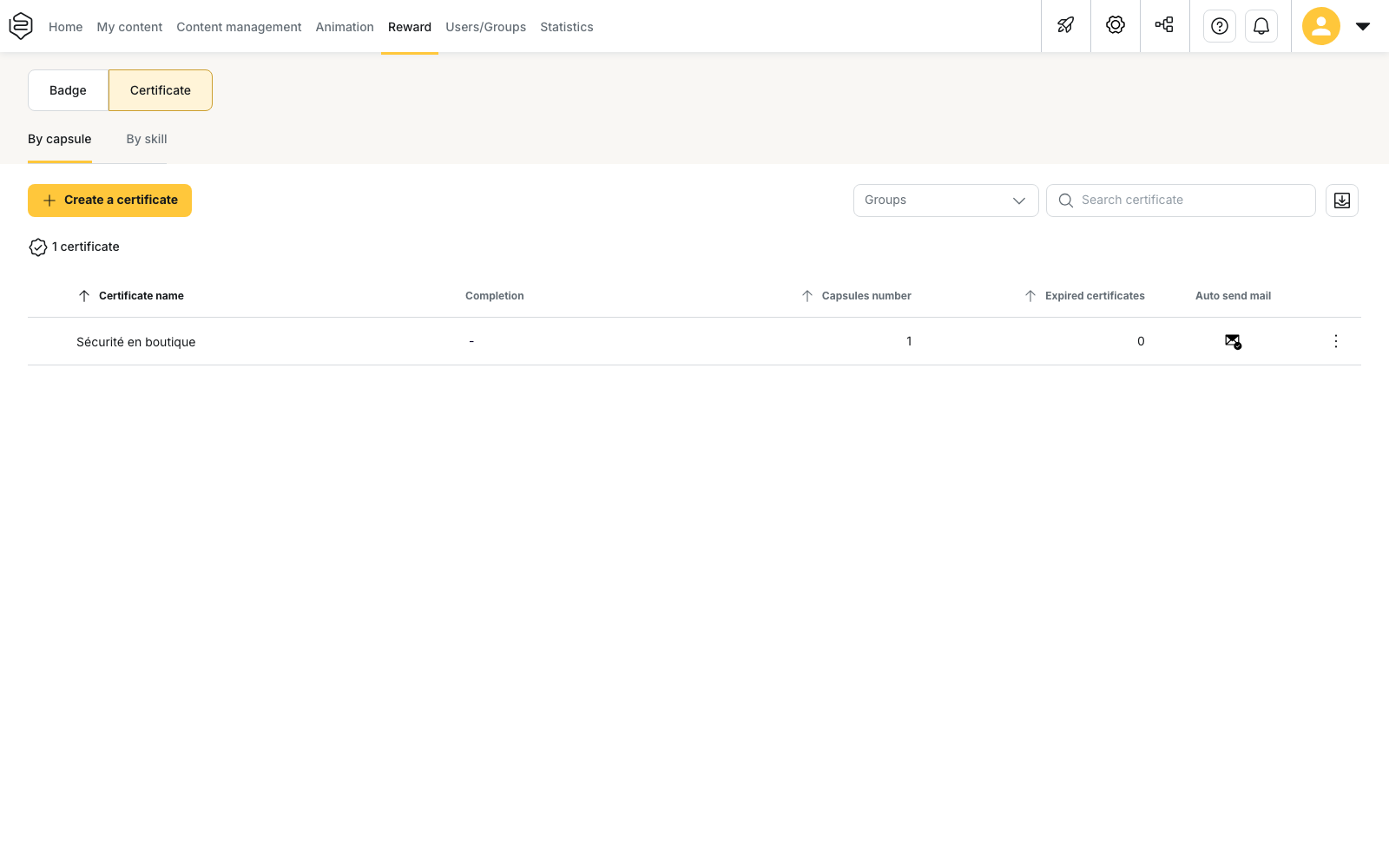
A certificate is triggered, a document is sent
You do not pick who receives a certificate: you set the condition, either capsules completed at the success rate you require or a mastery level reached on skills, and the platform awards it to whoever meets it. Finishing is therefore not enough: a capsule completed below the threshold awards nothing.
A document starts from an action instead. You select learners, you pick a template, and the platform fills it in with the account data and the course it is attached to. Nothing fires on its own.
The two meet at one point: a certificate can carry a document template as an attachment, and then hand over the learner’s record and the organisation’s at the same moment.
Where it is set, and with which rights
Certificates live in Rewards → Certificate and fall under animation rights. Document templates live in Configuration → Customisation → Document templates and fall under edition rights. Those are two separate permission families: whoever creates the certificates does not necessarily reach the templates. See Assigning rights.
The two pages in this section
- Certificates: read this when an achievement has to leave a record in the learner’s name, and for everything that follows the award, from validity to renewal.
- Administrative documents: read this when it is the running of the course that has to be recorded, for a population you pick yourself.
What the platform does not do
It produces records from your data. What you are required to produce, the form it should take and what an inspection will make of it are not settled in the back-office: nothing there is checked on your behalf.
Two other places feed the same file. Participant feedback is collected in Evaluating a session, and the immediate evaluation is collected at the time of the session: that answer cannot be recovered later. The register of your training subcontractors, status and dates included, is kept in Customising the learner platform.
Going further
- Rewards analytics: the certificates awarded, and the list of those that have expired.
- Skills: the framework skill-based certificates depend on.
- Webhook events: to pass a certificate award or expiry on to another tool.
- Common problems: engagement: including certificates that expire with nobody reacting.