Stellia
Prerequisites: the matching option opened on your account by Beedeez, and three credentials issued by Stellia. Without that option the Adaptive Learning (Stellia) row appears nowhere. The second setup described below also needs the External content option.
Stellia adaptive mode
Prerequisites: the matching option opened on your account by Beedeez, and three credentials issued by Stellia. Without that option the Adaptive Learning (Stellia) row appears nowhere. The second setup described below also needs the External content option.
Rights needed: access to Configuration to establish the connection, capsule editing for the rest. See Assigning rights.
Stellia is a third-party adaptive learning engine. Beedeez hands it the decision of what a learner meets next, then reads back from Stellia where that learner stands. There are two setups, configured in different places; the second rests on an external content source.
Where it is connected
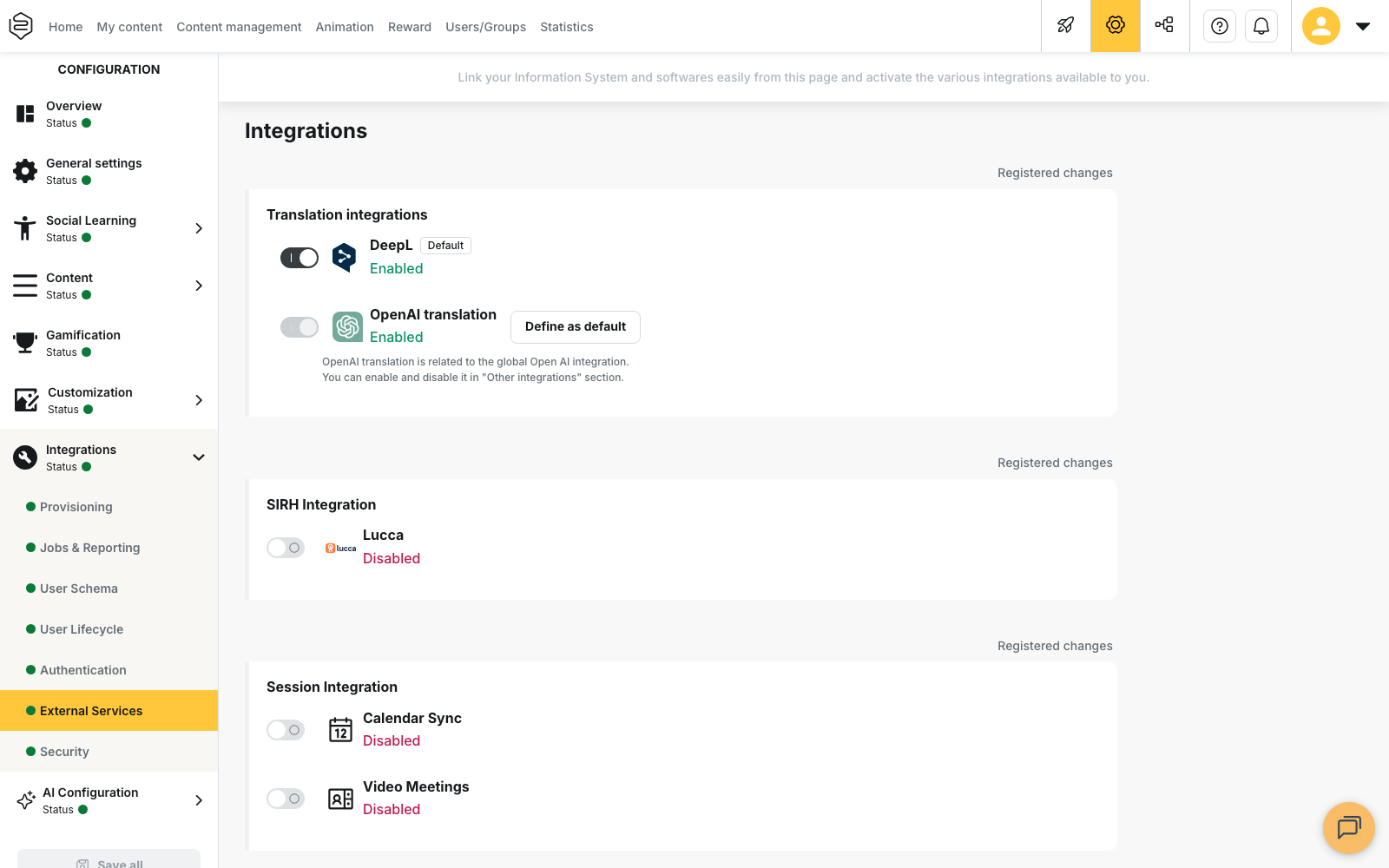
Configuration › Integrations › External Services, block Other Integrations. With the Adaptive Learning (Stellia) toggle on, Adaptive mode configuration opens the form:
- Application URL: the address of your Stellia instance;
- the second field: the course key Stellia gives you;
- API token: the authentication token.
All three are required: while one is missing, no capsule can be switched to adaptive mode.
⚠️ The course key field ships without an English label. The English bundle carries it under the wrong name, so the second field of the form renders a raw translation key instead of a caption.
⚠️ The “Your AI Assistant url” field has nothing to do with Stellia. It only shows with the AI Agents option, and it replaces the Beedeez assistant in the learner app with the web page of your choice. Leave it empty to keep the AI Agents. See Configuring the AI.
The two setups
The capsule in adaptive mode. In the capsule editor, tab Settings, section Animation: the Adaptive mode switch, greyed out while the connection is incomplete. A capsule set this way is pushed to Stellia on every save: its notions become levels there, and the questions of its entry and end quizzes become the exercises of those levels.
External content with Stellia results. On an external content source, the Method to get results selector offers Stellia alongside None and Callback Url, again only when the option is open. In the capsule, the external content page points at that configuration and its Resource field expects the Stellia learning path identifier.
What the learner sees
On the start page of an adaptive capsule, an Adaptive capsule tag replaces the validation percentage and the progress bar, and the summary announces notions as Level 1, Level 2 and so on. The start button opens on the question Stellia names; restarting a finished capsule resets the path in Stellia first.
What comes back, and when
On external content with Stellia results, Beedeez queries Stellia every three seconds while the content is open, then once more when the learner closes it. That closing read is the one that decides whether the capsule is treated as finished, so a learner who kills the app instead of closing the content may leave the last progress unrecorded. Whatever the app reports is discarded: the status Stellia returns is what gets recorded.
| Status returned by Stellia | Progress recorded | Success |
|---|---|---|
| In progress | Stellia’s completion, 50% by default | no |
| Succeeded | Stellia’s completion, 100% by default | yes |
| Failed | Stellia’s completion, 100% by default | no |
⚠️ Finished is not passed. A path that failed in Stellia comes back with full progress and no success: the capsule counts as completed, not as passed. See What does each metric measure?.
On a capsule in adaptive mode, only the progress comes from Stellia; success stays whatever the app computed. Capsule points are awarded when progress reaches 100%.
What it does not do
The Stellia sync writes no Time spent, no Correct answers, no Incorrect answers and no Success rate. On external content with Stellia results, those learner-detail columns stay empty: only Status and progress are filled in. Path detail, level by level, is read in Stellia.
The trap
Removing a credential, or letting one expire, switches nothing off visibly. The Adaptive mode switch goes grey again, but capsules already set stay adaptive: on save, the push to Stellia fails with no message at all in the back-office, and on the learner side the start button shows a generic error. Check with a real learner account, not from the configuration window.
Going further
- External content sources: the building block the second setup rests on.
- Reporting completion from a third-party tool: the other way results come back, when the provider is not Stellia.
- What does each metric measure?: completed, passed, validated, and why the distinction bites here.
- Configuring the AI: what the “Your AI Assistant url” field replaces.