Importing an external training offer
Two scheduled jobs read files dropped over SFTP and turn them into capsules: trainings that happen somewhere else, at a provider, in a classroom or on a third-party LMS. Beedeez lists them, it does not host them. This is not a self-service feature: the source, the mapping from your columns onto Beedeez fields, and the two account switches that make the import visible are all set with the Beedeez team. What stays yours is the schedule, the file name prefix and the source.
Importing an external training offer
Two scheduled jobs read files dropped over SFTP and turn them into capsules: trainings that happen somewhere else, at a provider, in a classroom or on a third-party LMS. Beedeez lists them, it does not host them. This is not a self-service feature: the source, the mapping from your columns onto Beedeez fields, and the two account switches that make the import visible are all set with the Beedeez team. What stays yours is the schedule, the file name prefix and the source.
⚠️ Prerequisites: the LMS option, which makes the two lines appear, and one of the options that open the Scheduled jobs block, HRIS reporting or job monitoring. Job monitoring also controls the history shown under each line.
⚠️ Rights required: access to Configuration, on the parent account. The block disappears as soon as a department is selected.
⚠️ This is not the page for content that plays inside Beedeez. A SCORM module, a web page, a video, an LTI source: see Enriching your capsules with external content.
Where it is set
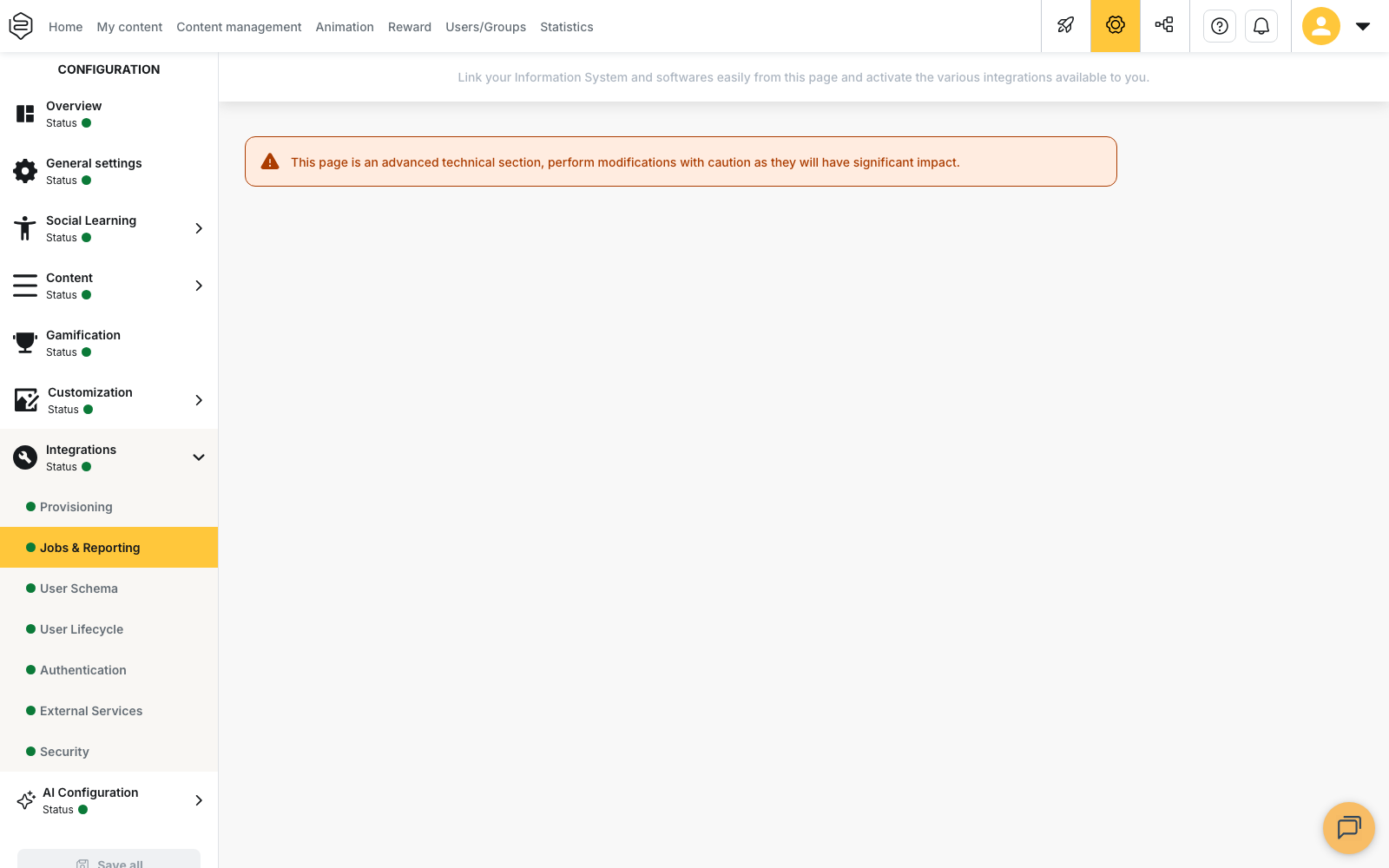
Configuration > Integrations > Jobs & Reporting, block Scheduled jobs. Two lines concern you, each with its Configure button:
- Synchronization of external learning resources: one file row, one training.
- Synchronization of external learning resources sessions: one file row, one date attached to a training.
The Schedule your task dialog carries three settings.
The recurrence, between Never, Weekly, Once and The first day of each month. Weekly asks for a day of the week and an Hour, Once for a start date and an Hour, and The first day of each month for an Hour. Never leaves the job unscheduled.
The File name prefix, which must match the start of the names of the files you drop. Leave it empty
and the job falls back to ActionsDeFormationV2 for the trainings and
SessionsDesActionsDeFormationV2 for the sessions.
And the Source, whose list offers only talentsoft and pim.
What the file has to be
A .csv file, semicolon-separated, headers on the first row. Any other format stops the run. The semicolon is not adjustable here, unlike user provisioning.
Dropped in the externalResources folder of your SFTP upload directory, with a name that starts
with the prefix set on the job. A file placed elsewhere, or named differently, is simply never picked
up.
A stable identifier per training. It is rebuilt by concatenating one or more columns agreed with the Beedeez team. Same identifier, the row is updated; different identifier, a second training appears.
What a run does
Encoding is detected then converted, so you do not have to ship UTF-8. Each row becomes external data, and nothing more. It only becomes a capsule if both account switches are set: create the missing capsule, and apply the column mapping to it. Without them, the import fills a table nobody sees.
What a capsule carries depends entirely on your columns: title, description, an image fetched from an address, categories, dates. There is no imposed field list, so no guaranteed field either.
A processed file is then removed from the drop and filed under processed: it is never read twice, and
you find it again under Files, in the run history shown below the job’s line.
What to watch out for
Run trainings before sessions. A session row only attaches to a capsule that already exists. Scheduled earlier, it is stored and attaches to nothing.
Only one session per training reaches the capsule. The attachment keeps one, not the list. A provider offering six dates for the same training will show one.
A job that finds no file still succeeds. Read the lines processed, not the status.
What it does not do
Nothing is booked at the provider. No seat, no waiting list, no invoicing, no calendar entry, no email. Registration carries on wherever it already did.
No training request is created. The team leader, validator, administrator chain does not apply to this import: it is a separate mechanism, described in Free requests.
No completion comes back. What your learners attended outside stays invisible until you load it yourself, through Synchronization of users external learning activities, on the same screen.
No budget is tracked. A cost in your file is a displayed value, with no total and no cap.
Going further
- Monitoring your synchronisations: reading a job’s history and spotting a run that processed nothing.
- Importing activity completed outside Beedeez: the only path that makes these trainings count in a learner’s record.
- Free requests: when the learner is the one asking for an outside training, with an approval chain.
- External content sources: the other need, when the content has to play inside Beedeez.